
Included with your £25/month website plan
Your Website.
Your Customers.
One Business Hub.
A professional website plus practical tools to organise enquiries, manage bookings and promote your business.
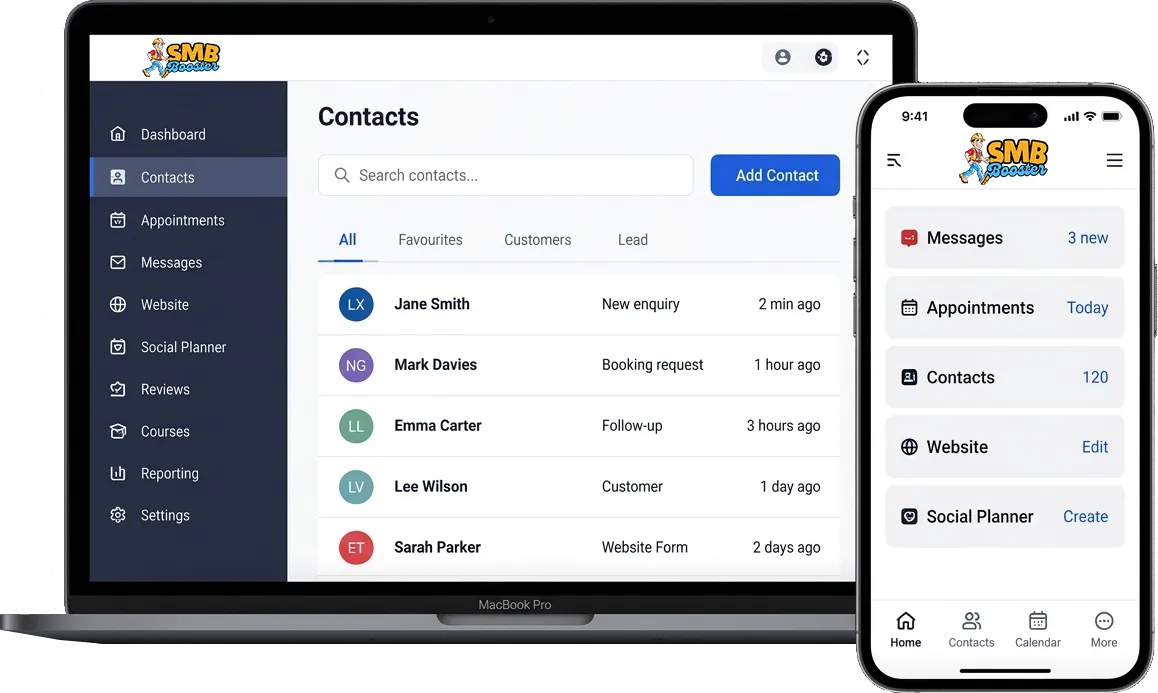
Useful tools to help Organise and Grow your business
Customers & enquiries
Keep contact details, notes and follow-ups together.
Booking calendars
Let customers choose an available appointment.
Website & forms
Update your content and collect enquiries.
Social planner
Prepare and schedule your own posts.
Review tools
Share your review link and manage feedback.
Courses & training
Create your own learning resources.
Business Hub - Included with your SMB Booster website.
Manage your website, customers, forms, calendars and social media from one simple dashboard.
Watch this short video that introducing the main areas of your business hub. Every feature has its own dedicated training video in our training academy so you can learn at your own pace. Need help setting all of this up? See our GoHighLevel expert service.
Explore the Business Hub tools
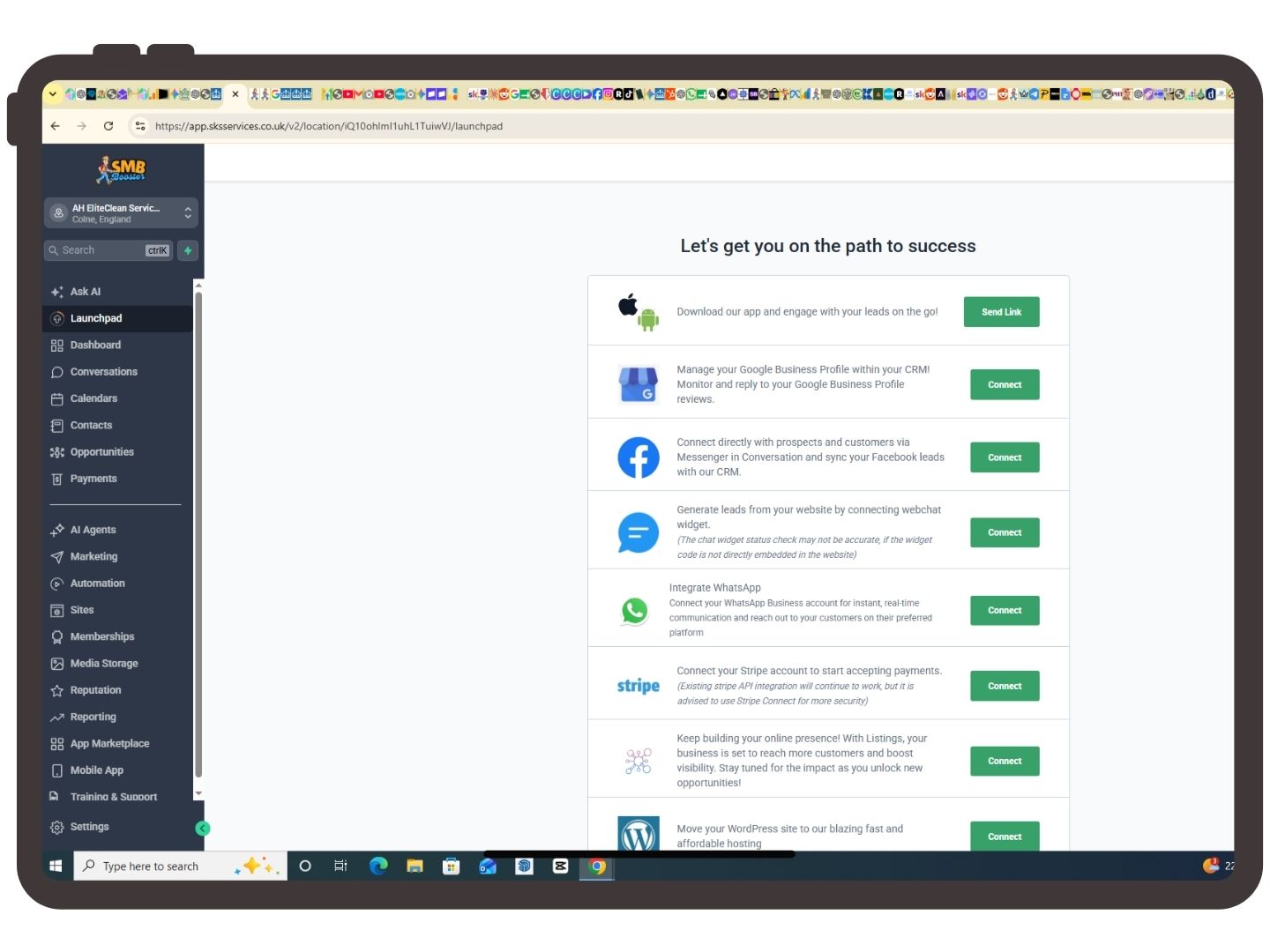
Launchpad
What is Launchpad?
Launchpad is designed to help you get your account set up quickly. It walks you through the most important steps such as connecting your business information, setting up your website, adding contacts and configuring your communication channels.
When should I use it?
Launchpad is mainly used when your account is brand new. Once everything has been configured you probably won't need to visit it very often.
How to use it
Simply click Launchpad and work through each task one at a time. Completing each step ensures your account is fully configured before you begin using the platform.
Dashboard
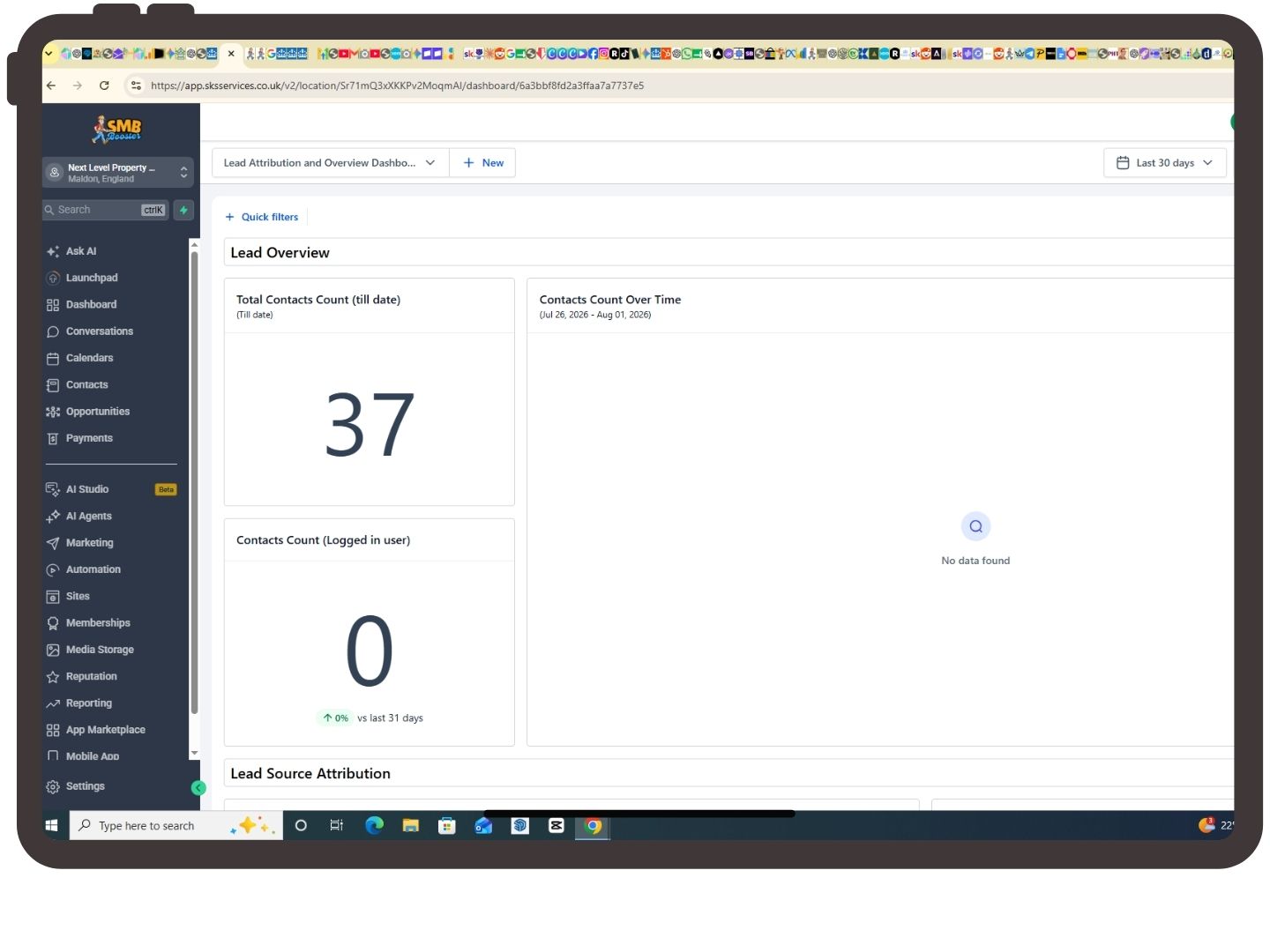
What is the Dashboard?
The Dashboard gives you a snapshot of how your business is performing.
You'll see information such as:
Leads
Sales Opportunities
Revenue
Conversion Rates
Pipeline Performance
Recent Activity
Why is it useful?
Rather than checking several different sections, the dashboard provides an overview of everything happening in your business.
How to use it
Visit the Dashboard daily to monitor new enquiries, sales performance and business activity.
Conversations
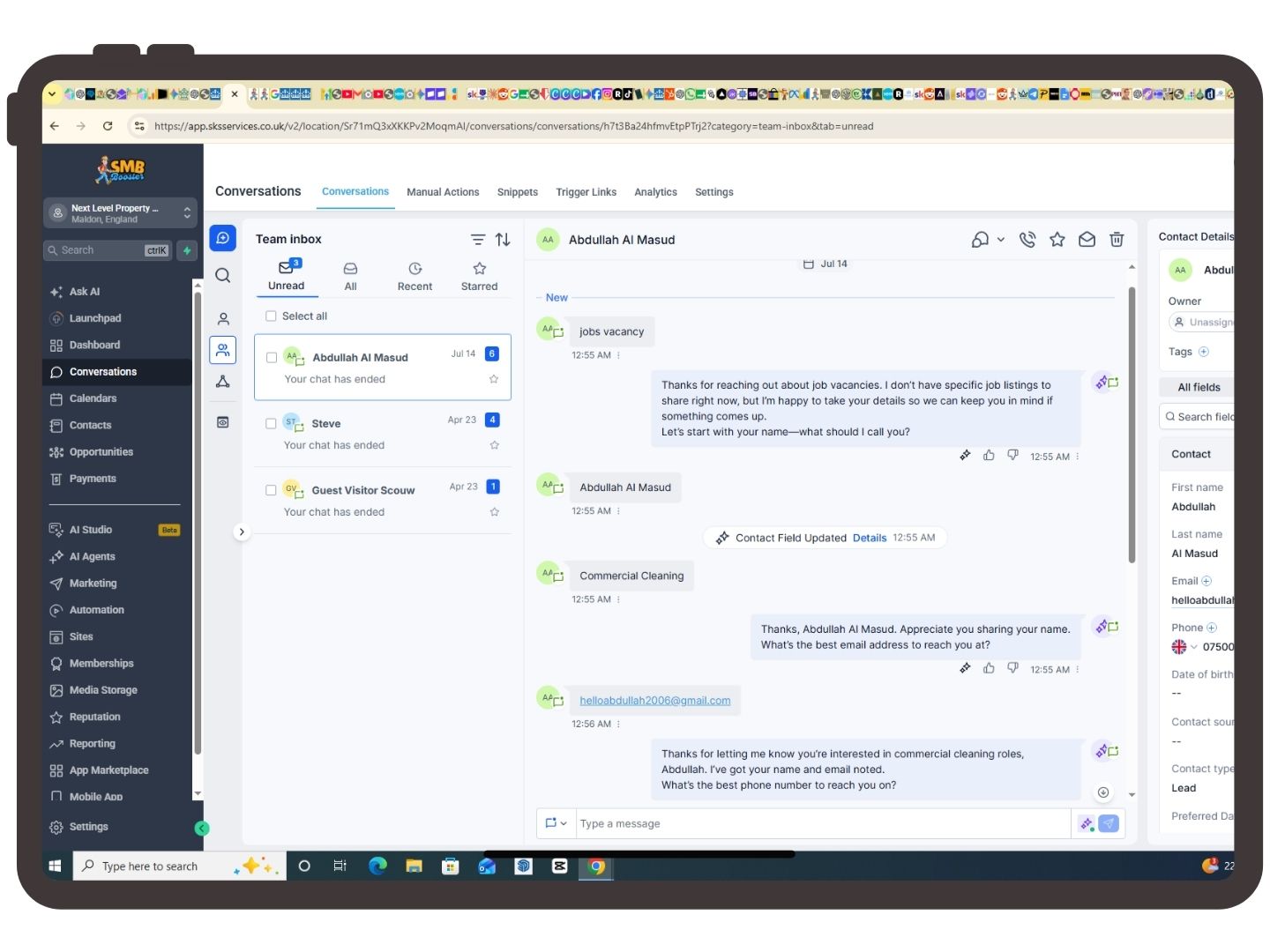
What is Conversations?
This is your unified inbox.
Instead of checking multiple apps, all customer conversations appear here.
These can include:
Email
Facebook Messenger
Instagram
WhatsApp (if connected)
Live Chat
Google Messages
Why use it?
Every conversation with a customer stays in one place, making it easy to follow up and never miss an enquiry.
How to use it
Select a contact on the left and reply just as you would in a normal messaging app.
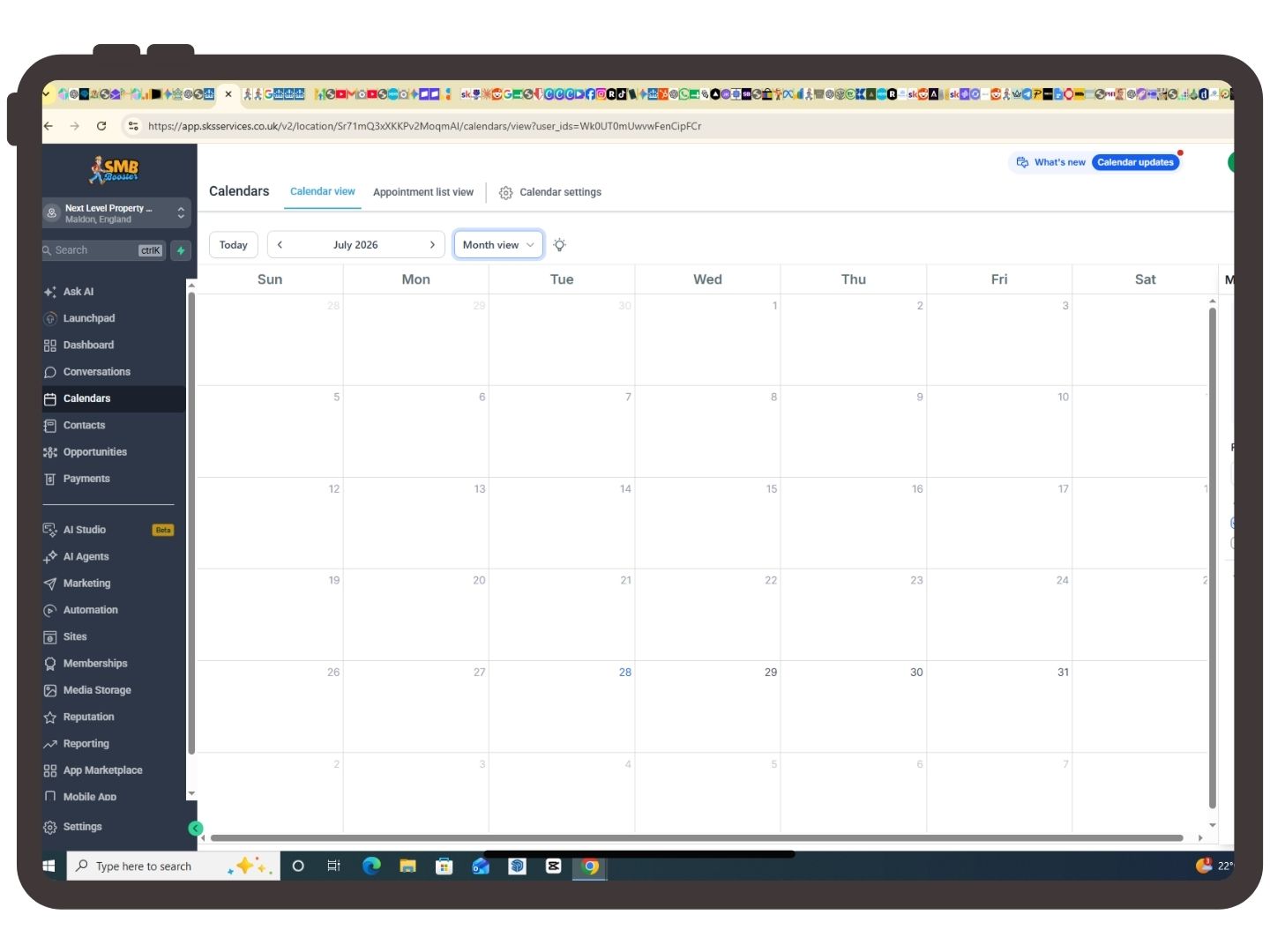
Calendars
What is Calendars?
Calendars allow customers to book appointments online without having to phone or email.
Popular uses
Quotations
Consultations
Discovery Calls
Site Visits
Meetings
How to use it
Create a calendar, define your available hours and share the booking link with customers.
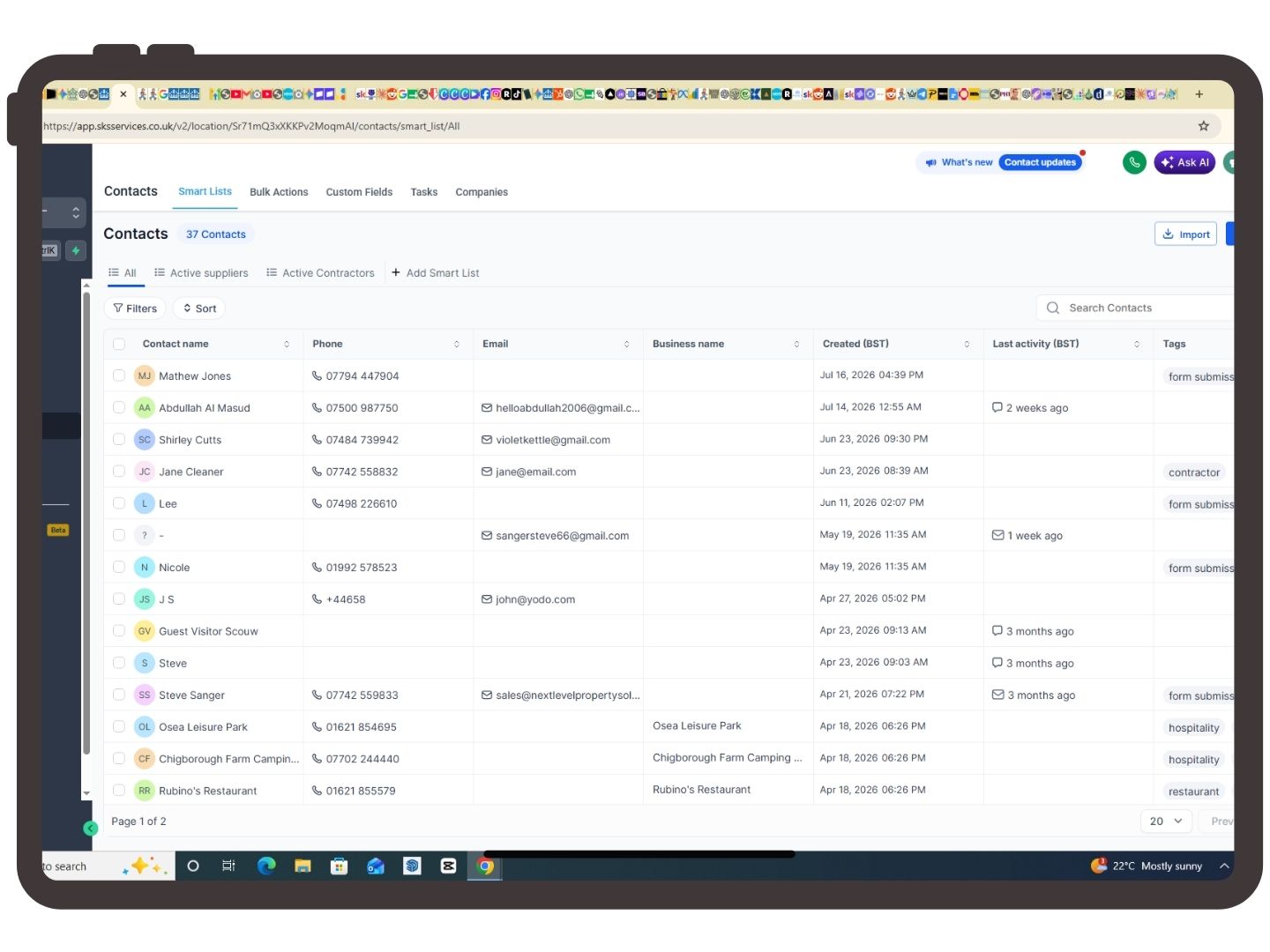
Contacts/CRM
What is Contacts?
Every lead or customer is stored inside the Contacts section.
Each contact contains information including:
Name
Phone Number
Email
Address
Tags
Notes
Conversation History
Appointments
Invoices
Opportunities
Why is it important?
Think of this as your digital customer database. Keep every customer, enquiry and opportunity organised in one place. Learn more about our CRM for small businesses.
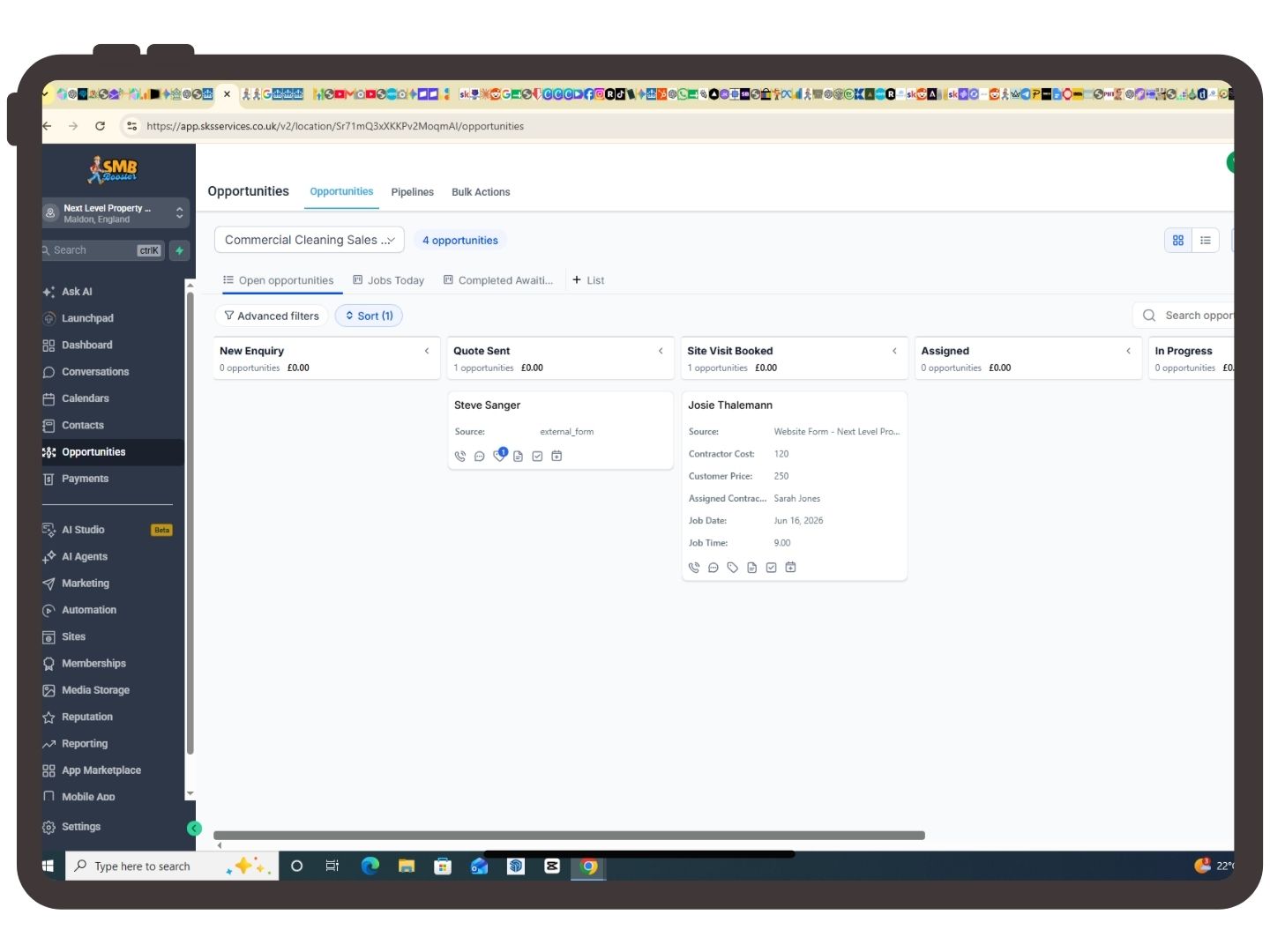
Opportunities
What are Opportunities?
Opportunities track potential sales through your sales pipeline.
Example:
New Lead
↓
Quote Sent
↓
Waiting for Decision
↓
Won
or
Lost
Why use Opportunities?
You always know where every customer is within your sales process.
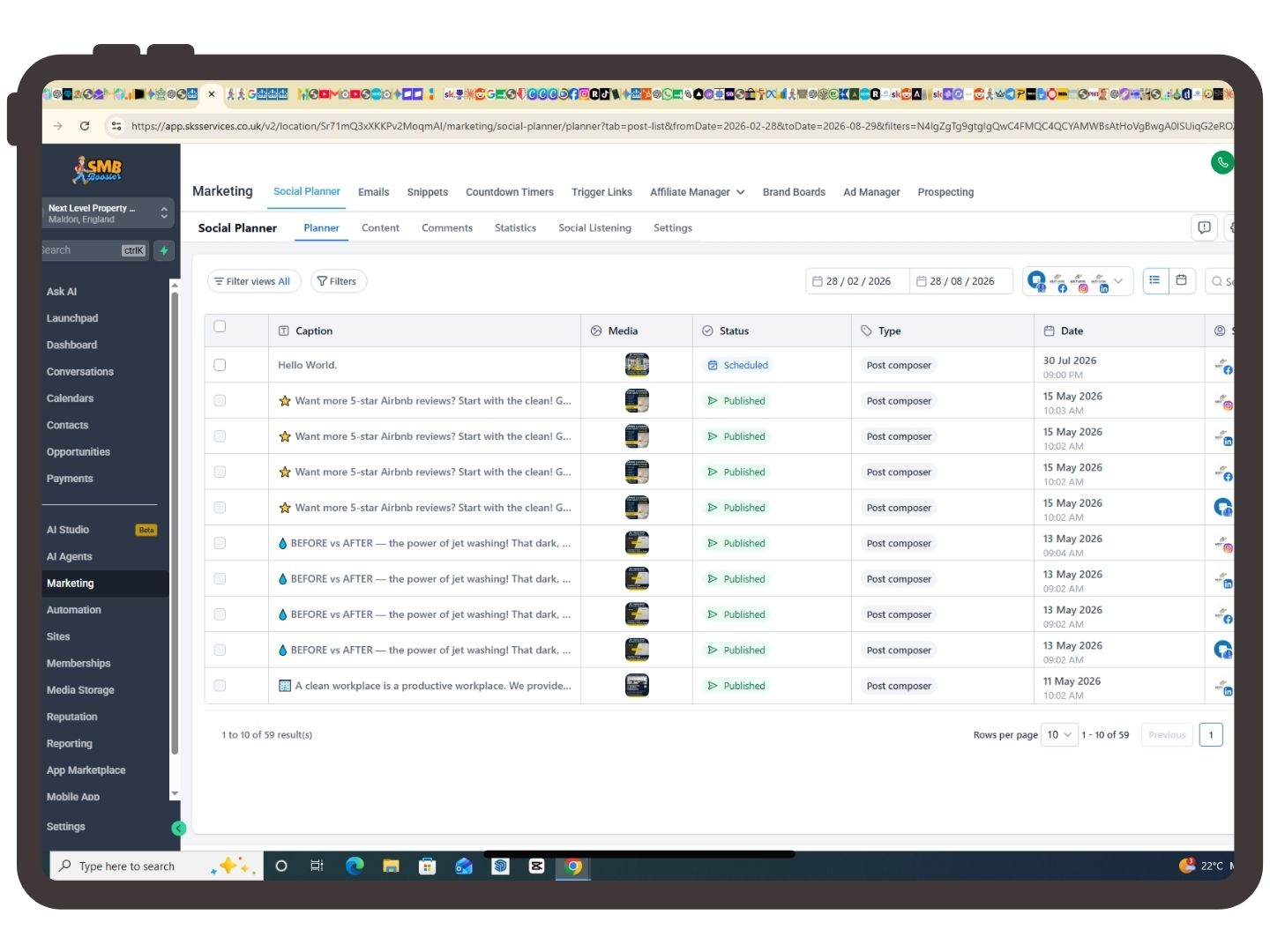
Marketing
What is Marketing?
Marketing contains tools for promoting your business.
Features include:
Email Campaigns
SMS Campaigns
Social Media Planner
Blog Posting
Forms
Surveys
Promotions
When should I use it?
Whenever you want to generate more leads or stay in touch with existing customers.
Automation
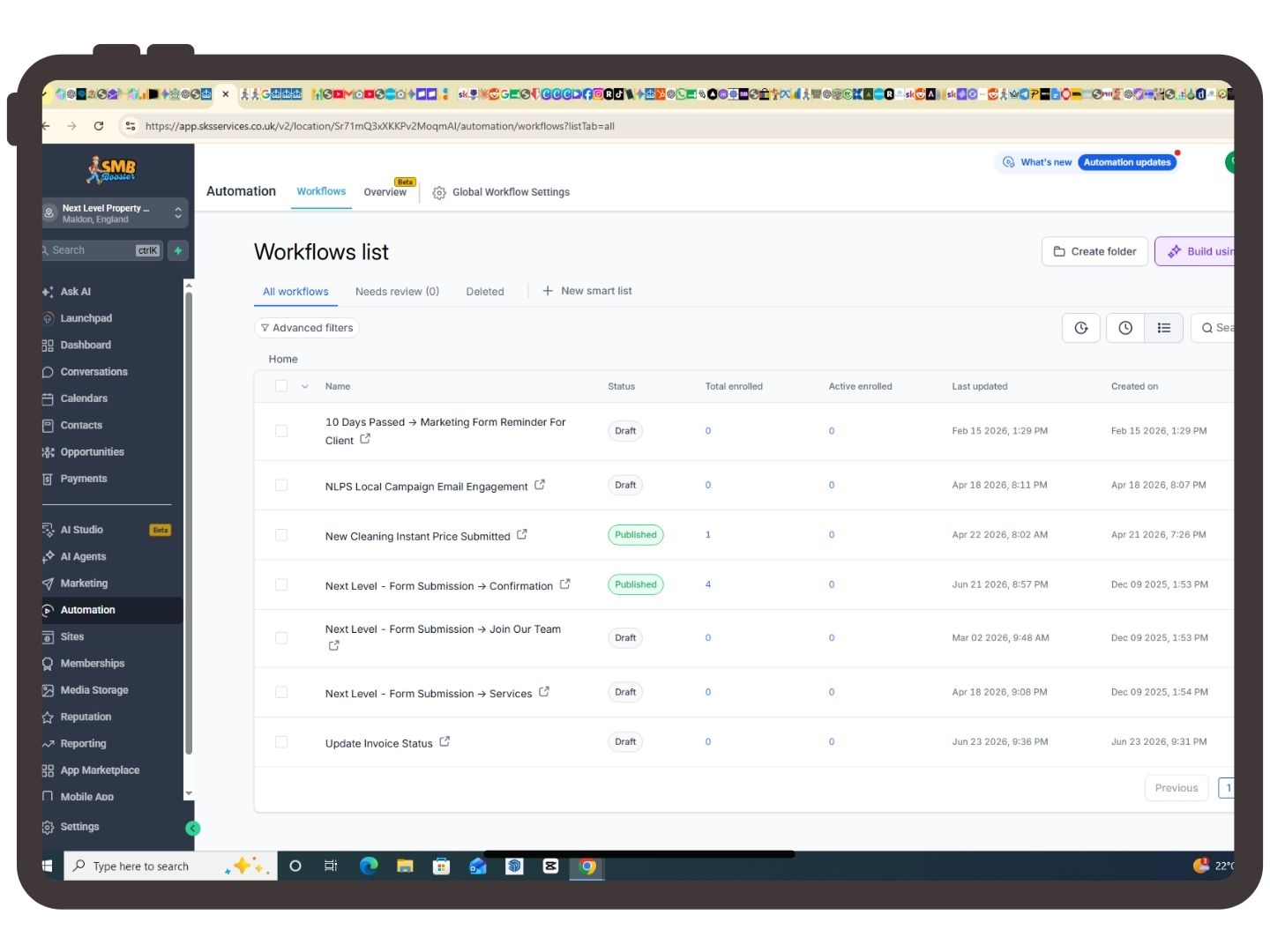
What is Automation?
Automation allows the platform to perform repetitive tasks automatically.
Examples include:
Welcome Emails
Appointment Reminders
Review Requests
Follow-up Messages
Lead Nurturing
Missed Call Text Back
Why use Automation?
It saves hours of manual work while ensuring every customer receives a consistent experience.
Sites
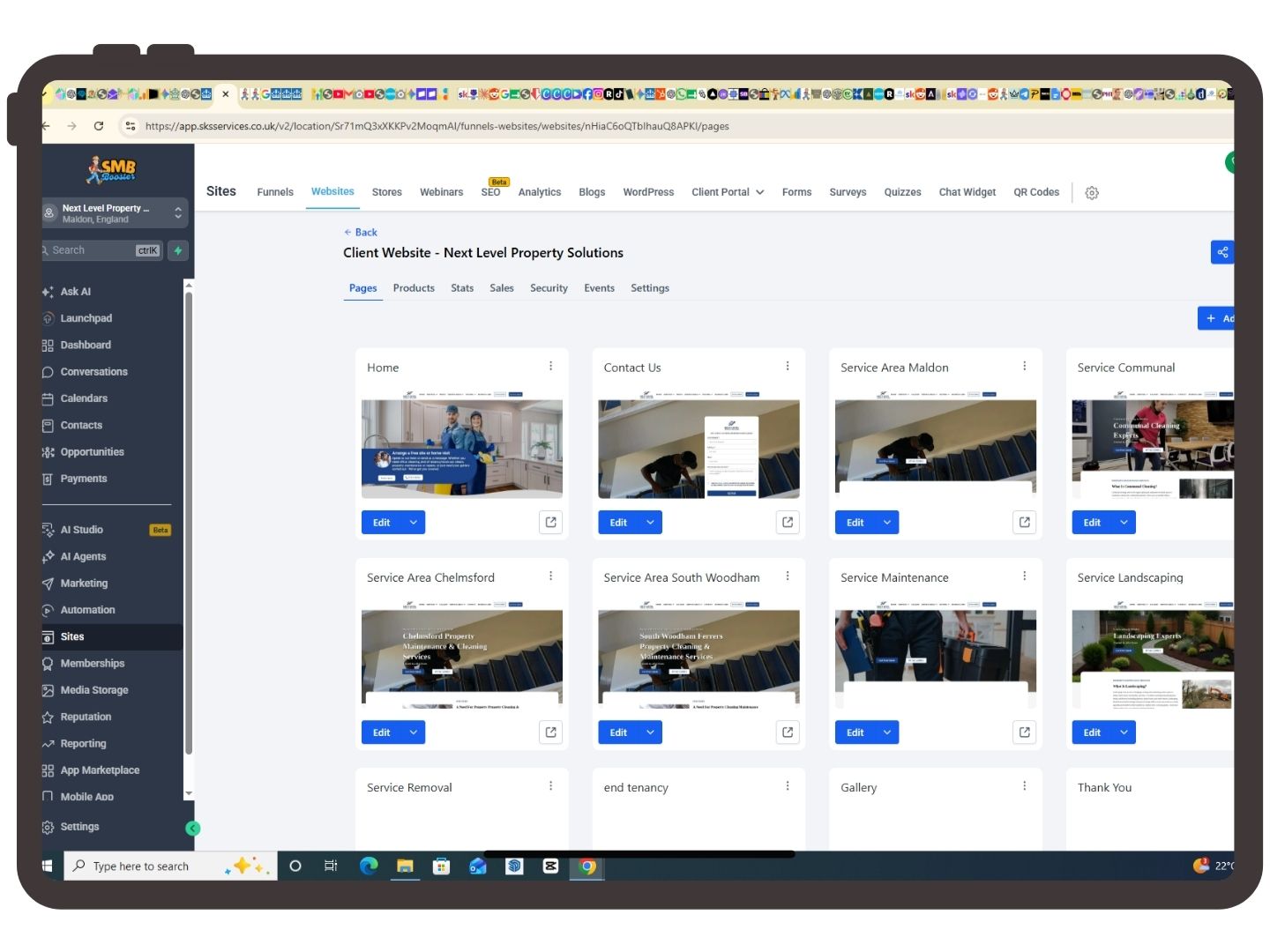
What is Sites?
Sites is where you manage your online presence.
This can include:
Your Website
Funnels
Landing Pages
Forms
Blogs
Surveys
Popups
Chat Widgets
Why use it?
Everything relating to your website is managed here.
Memberships
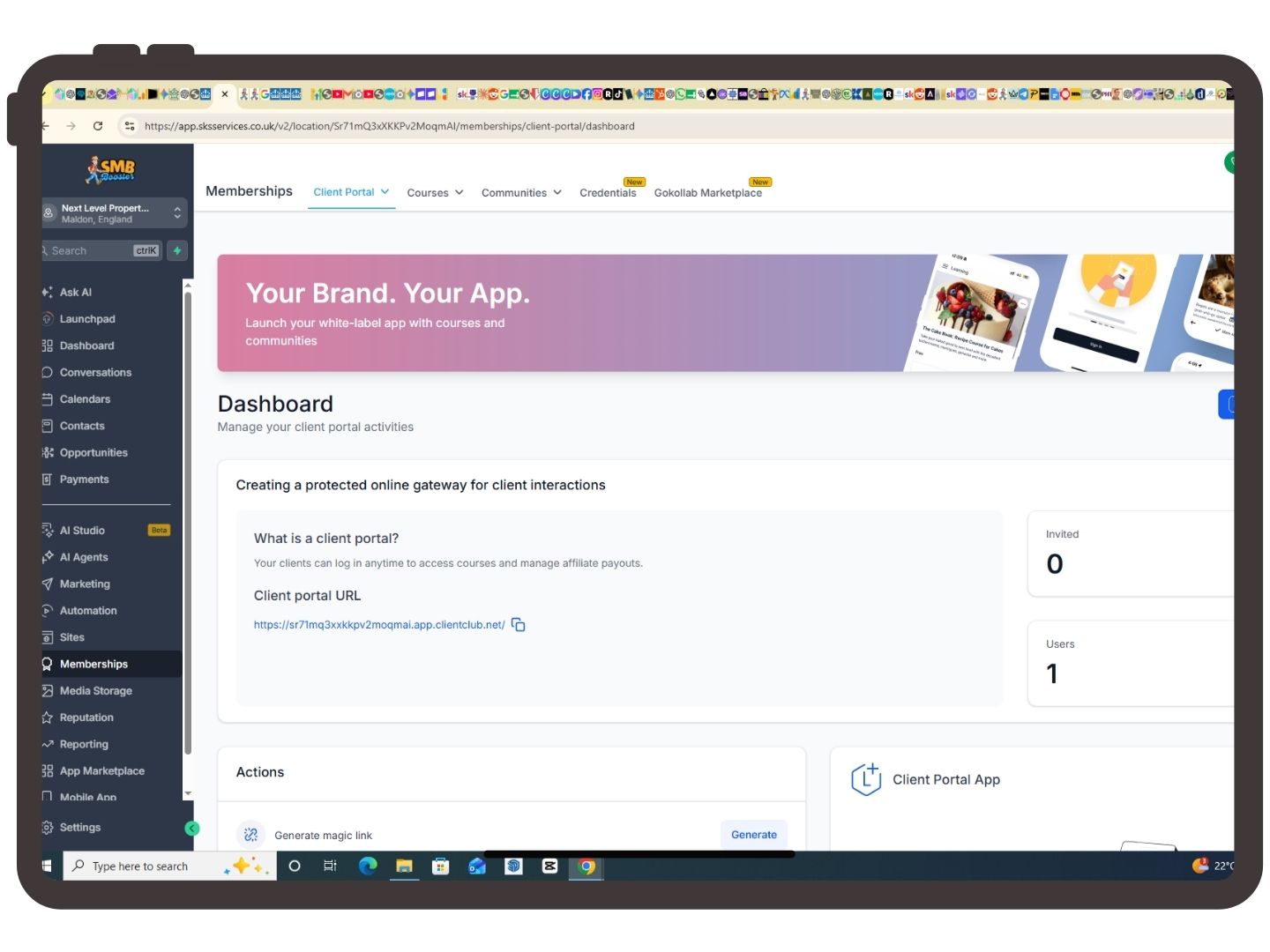
What is Memberships?
Memberships allow you to create secure online areas where customers can access exclusive content.
Examples include:
Online Courses
Training Videos
Customer Portals
Downloadable Resources
Reputation
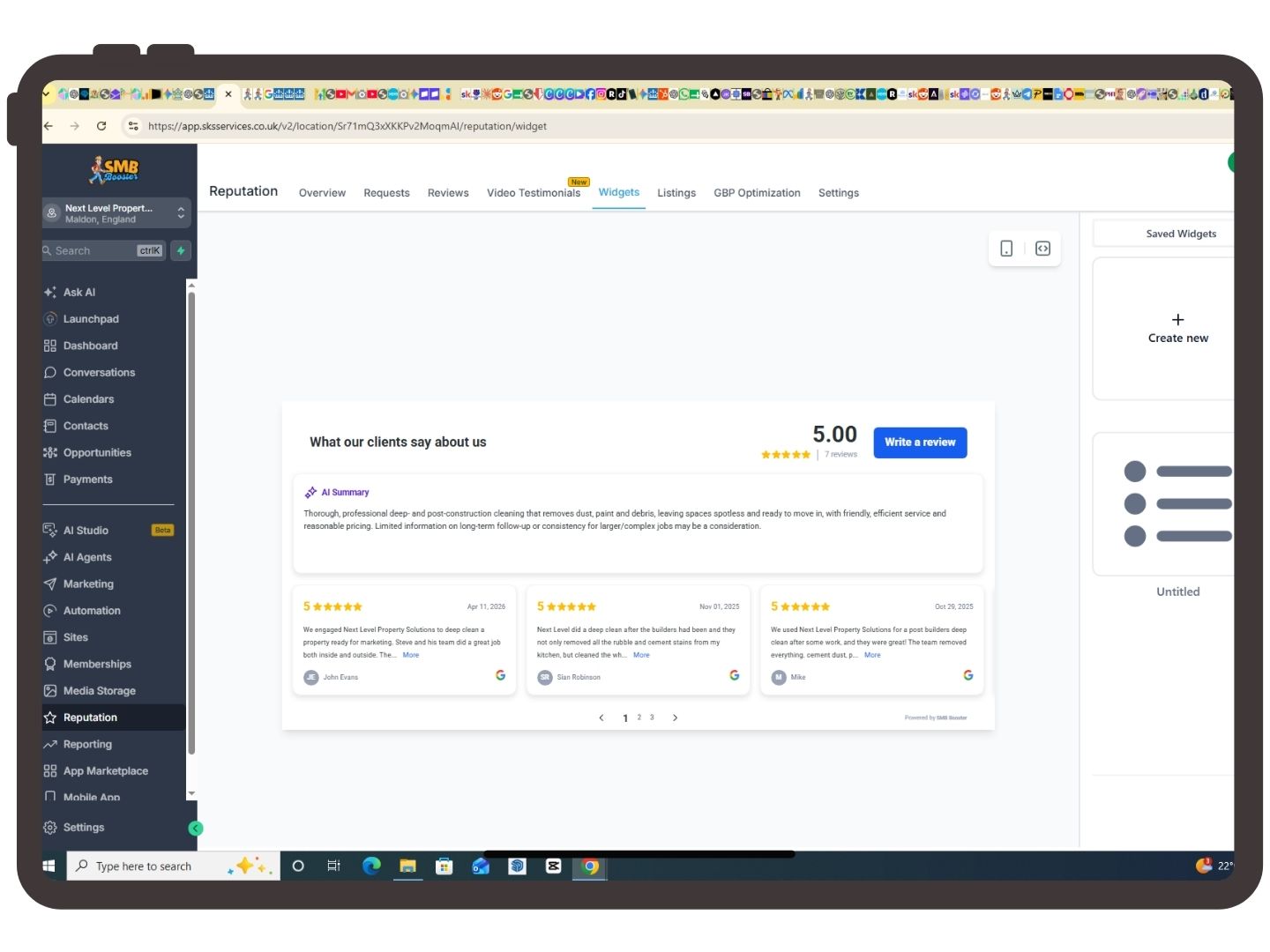
What is Reputation?
Reputation helps you collect and manage online reviews.
You can:
Request Reviews
Monitor Google Reviews
Reply to Reviews
Track Ratings
Positive reviews improve customer trust and can help your business rank higher in Google search results.
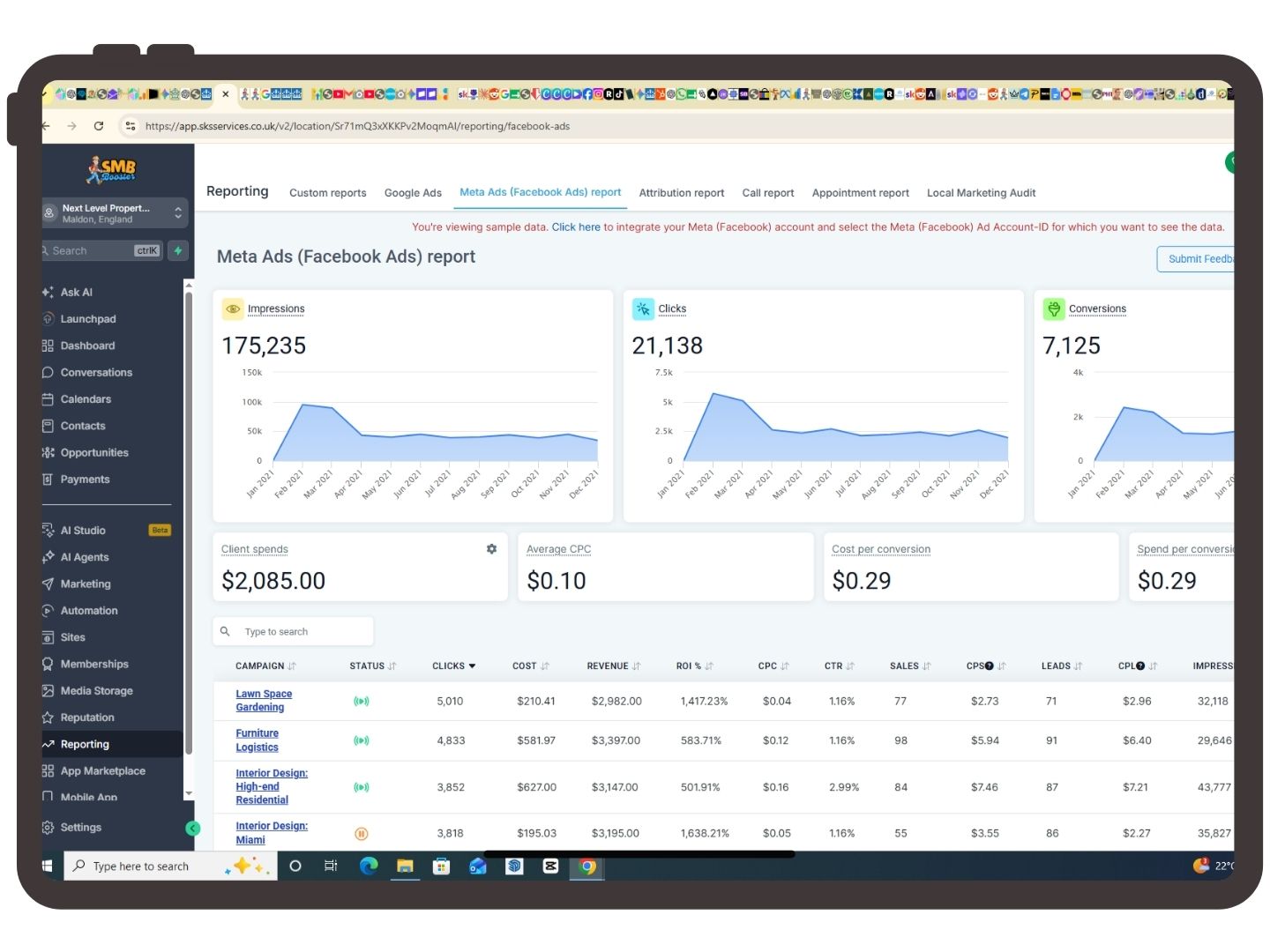
Reporting
What is Reporting?
Reporting provides detailed statistics about your business.
Examples include:
Revenue
Lead Sources
Campaign Results
Appointment Statistics
Call Reporting
Website Performance
Reports help you understand what's working and where improvements can be made.
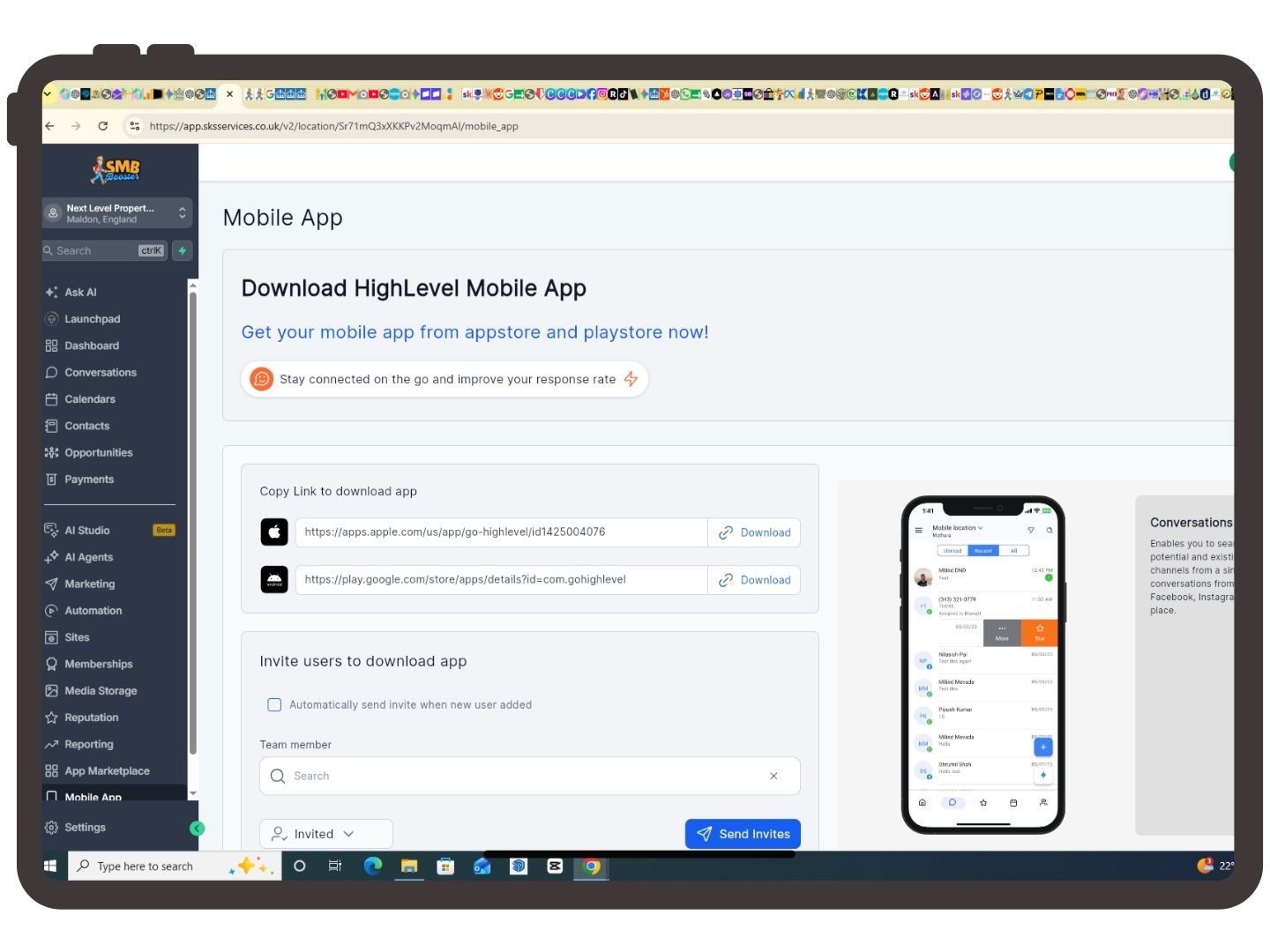
Mobile App
What is the Mobile App?
The HighLevel mobile app gives you access to your business wherever you are.
You can:
Reply to Messages
Add Contacts
View Appointments
Check Opportunities
Receive Notifications
Perfect for business owners who are frequently away from their desk.
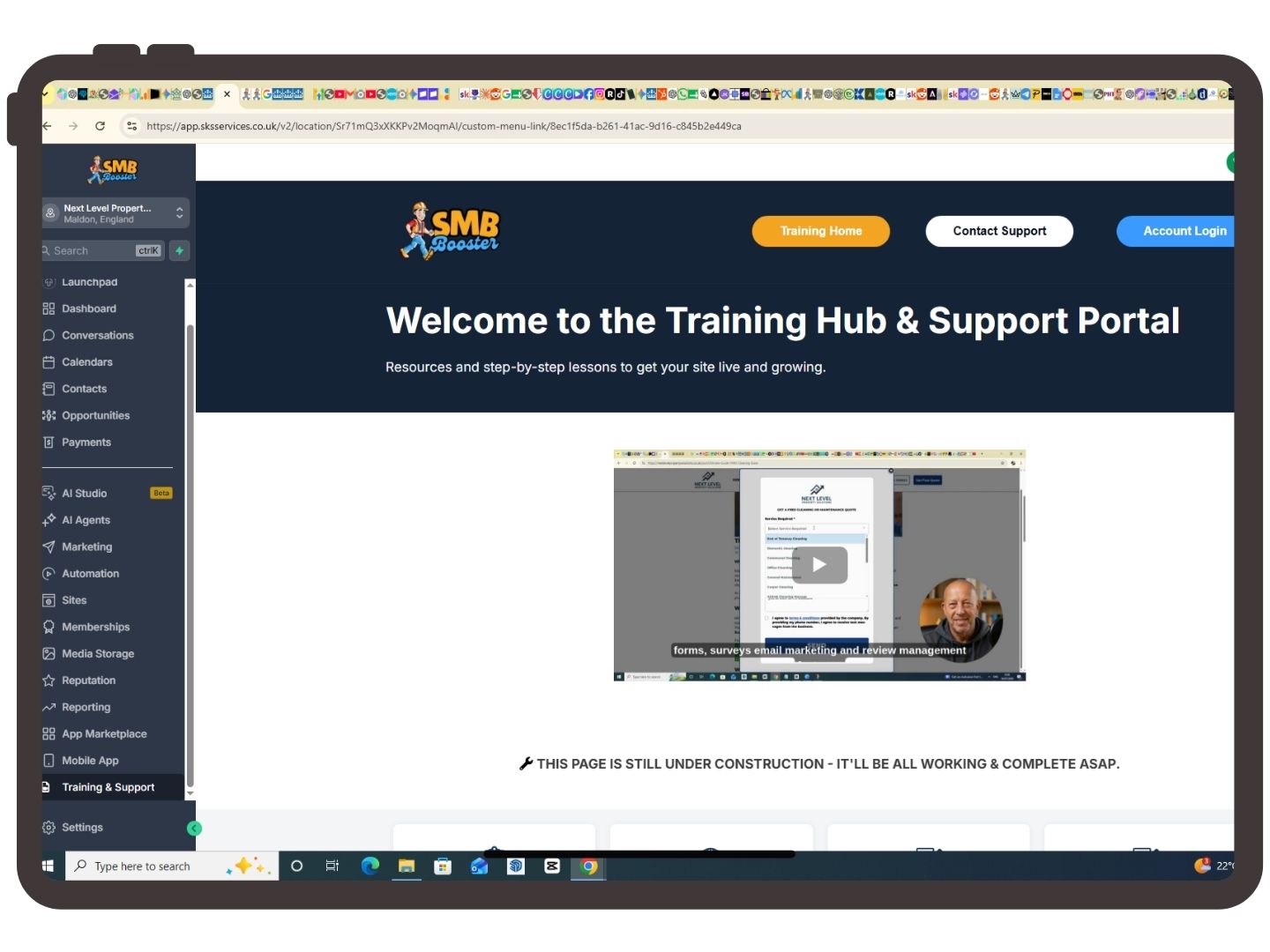
Training & Support
What is Training & Support?
This section contains tutorials, guides and support resources to help you get the most from your SMB Booster platform.
Here you'll find:
Step-by-Step Tutorials
Video Guides
Frequently Asked Questions
Tips & Tricks
Contact Support
Whenever you're unsure how to use a feature, this should be your first stop.
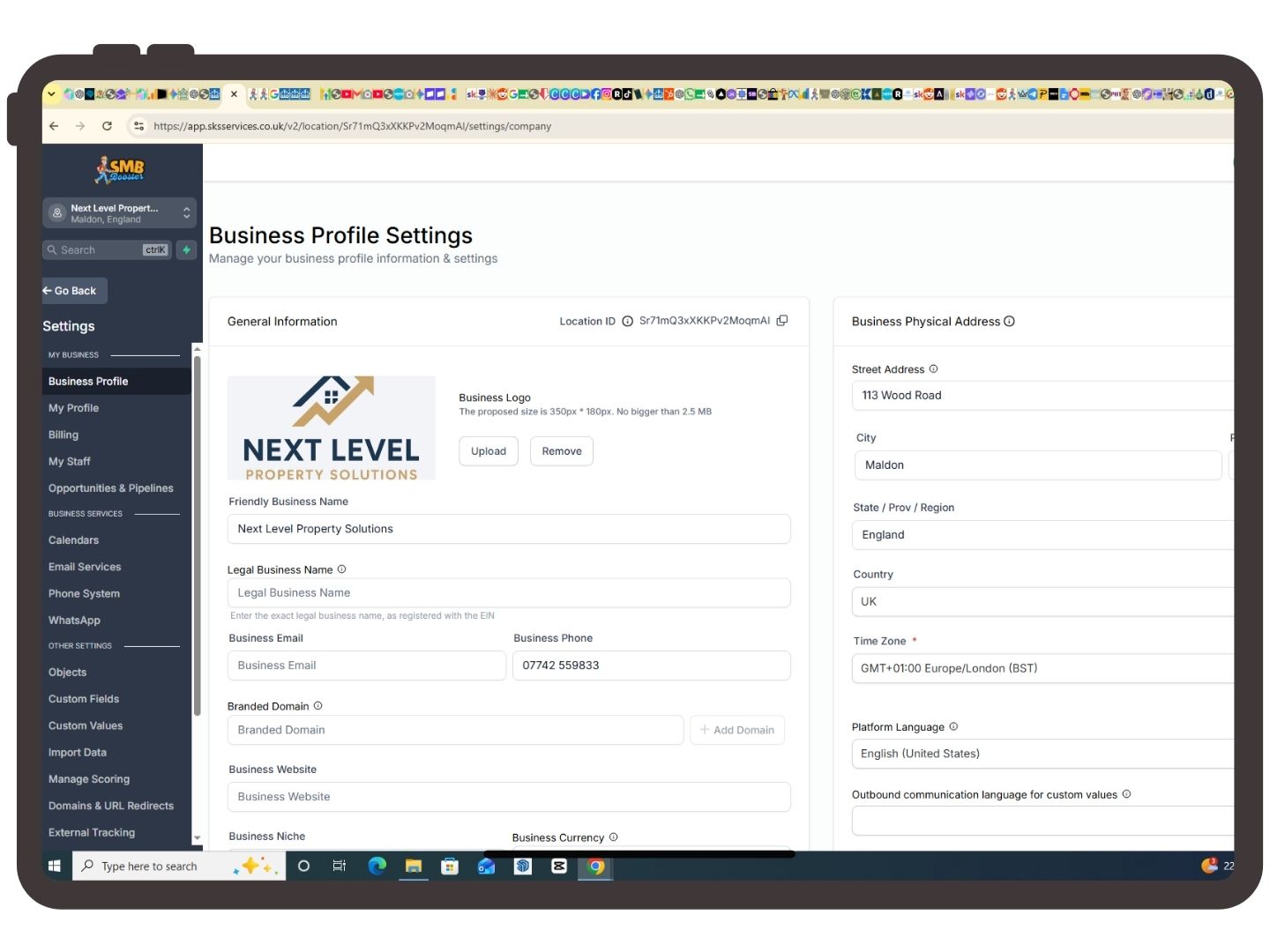
Settings
What is Settings?
Settings is where you configure your account.
Typical settings include:
Business Information
Team Members
Phone Numbers
Email Services
Domains
Integrations
User Permissions
Custom Fields
Pipelines
Most settings only need configuring once during initial setup.
Learn it yourself. Get help when you need it
Your training academy
Practical videos to help you get started and build confidence.
Want us to set it up?
Tell us what you need. We'll agree the scope and quote before starting.
A few helpful answers
Is Business Hub included with my £25 website plan?
Yes. Your £25/month Website + Business Hub plan includes your website, hosting and access to the included Business Hub tools. You also get training videos to help you use them. Done-for-you setup of additional systems and any applicable usage charges are separate.
Do I have to use every feature?
Not at all. Start with what’s useful to you—such as keeping customer details together or managing enquiries. You can explore calendars, social planning and course tools when you’re ready.
Do you set everything up for me?
We build your website and provide training so you can get started with the Hub. If you’d like us to configure booking calendars, custom pipelines, automations or other systems, we can quote for that separately. We’ll agree the work and price with you before starting.
Can I access the Hub on my phone?
Yes. The mobile app lets you manage supported features such as contacts, conversations and appointments while you’re out working. For website editing and more detailed setup, we recommend using a computer.
Are there any extra charges?
Access to the included tools is covered by your subscription. Sending SMS messages or emails, using phone services and certain AI features can incur additional charges. Optional upgrades and done-for-you services are also priced separately. Ask us before enabling anything you’re unsure about.
What if I need help learning how to use it?
Our training academy has step-by-step videos covering the website editor and key Business Hub tools. Learn at your own pace and revisit the videos whenever you need a reminder. If you get stuck, contact us for guidance, or ask for a quote if you’d prefer us to handle the setup.
Whats included and when you might need extra help
Included in your £25 plan
Website hosting & agreed minor updates
Access to included Business Hub tools
Step-by-step training videos
Subscription support
Seperately Priced
Done-for-you calendar or workflow setup
Course creation and managed social media
Major website changes
Applicable messaging, phone and AI charges
More than a website. Tools to help you run your business.
£25/month
£0 upfront website build
Already a customer? log in | visit the training academy
Subscription terms apply.


(888) 555-1234
© Copyright 2023 | All rights reserved | SMB Booster